Dual-pane file manager for Android
Two panes and tabs, a task center with pause and undo, a storage analyzer that finds duplicates, APK backup and install, network servers, and Wi-Fi sharing to your computer.

Free. No ads, no analytics, no account.
What IndeXplorer is
IndeXplorer is a file manager for Android phones and tablets by Sonicon Software. It shows two panes on wide screens and tabs on phones, queues work in a task center with pause and undo, finds large and duplicate files, backs up and installs apps, opens archives like folders, reaches SMB, SFTP, FTP and WebDAV servers, and shares folders over Wi-Fi.
What it does
IndeXplorer is a file manager for people who move a lot of files. Browse your phone and SD card in two panes or tabs, queue big copies in a task center you can pause, see what fills your storage and clear duplicates, back up apps as APKs, open archives like folders, reach your servers, and share a folder over Wi-Fi.
Places and tabs
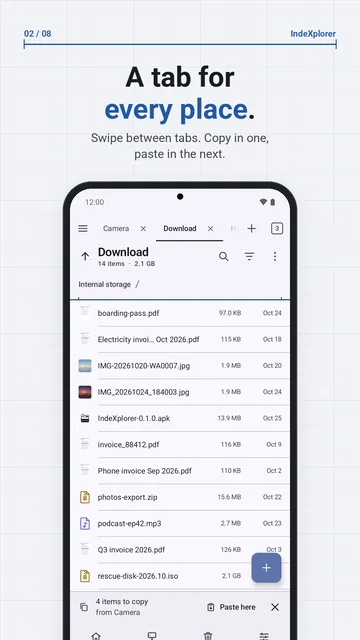
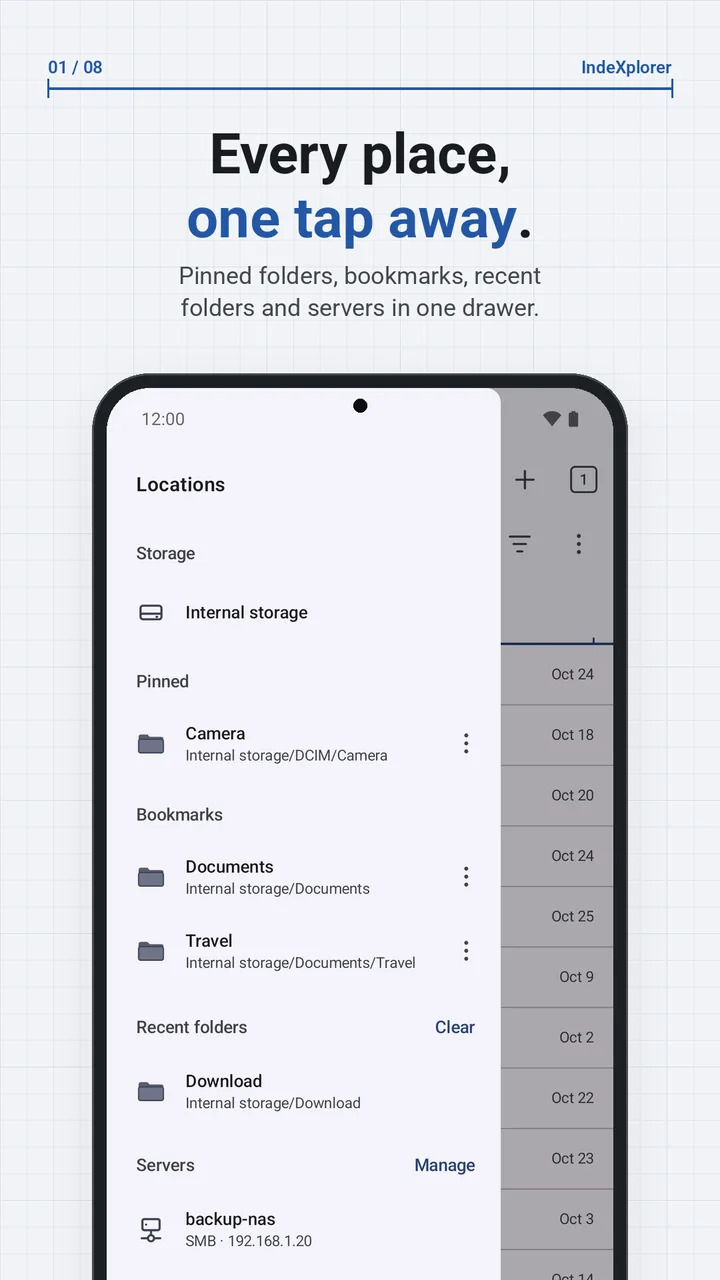
A drawer with your storage, pinned folders, bookmarks, recent folders and servers. Two panes side by side on wide screens; swipe between tabs on a phone.
Task center
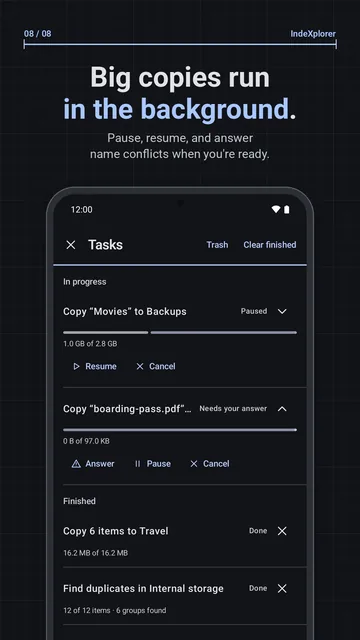
Copies, moves, extractions, renames, checksums, duplicate scans and APK backups run in the background with Pause and Cancel.
Trash and undo
On local storage, deletes go to the trash first. Undo a delete, move, rename or batch rename.
Storage analyzer
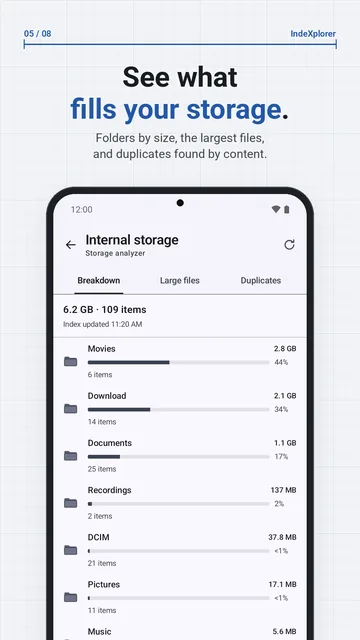
Folders by size and the largest files, from the on-device index. Drill into any folder.
Duplicate finder
Finds files with the same content. Keep the newest or oldest copy; the rest go to the trash with Undo.
App manager
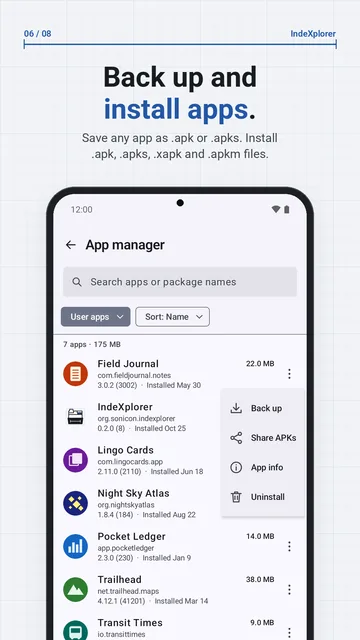
Back up an app's APK files, share them, open App info or uninstall. Install .apk, .apks, .xapk and .apkm files.
Archives as folders
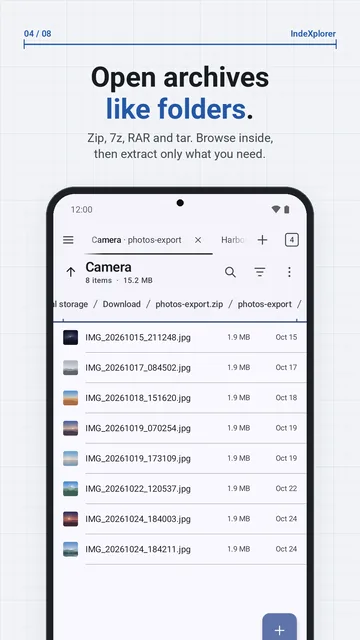
Open zip, 7z, RAR and tar like folders; create zip, 7z and tar.
Network storage
SMB 2/3, SFTP, FTP/FTPS and WebDAV, browsed like local folders.
Wi-Fi share
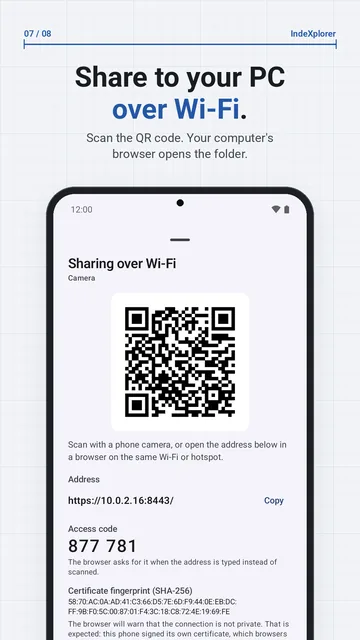
Scan a QR code and your computer's browser opens the folder. HTTPS by default.
Find files as you type
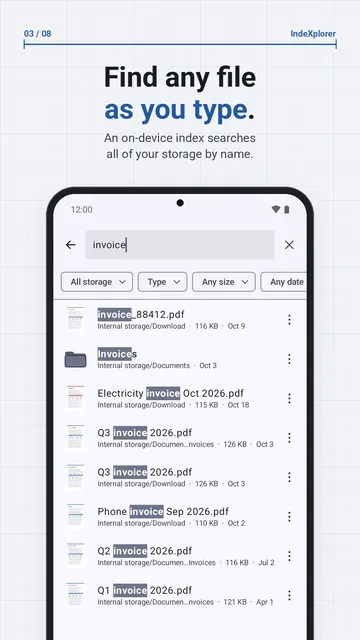
An on-device index of file names searches all your storage as you type. Filter by type, size and date, then jump to the file with Show in folder. Servers and archives are searched live from the folder you are in.
See what fills your storage
Storage analyzer lists the folders on your phone or SD card by size and the largest files, with type filters. Its duplicate finder compares file contents, then lets you keep the newest or oldest copy and move the rest to the trash, with Undo. It never moves every copy of a file to the trash.
Back up and install apps
App manager saves an app's APK files as one .apk, or one .apks for apps installed in parts. App data is not included. Open a .apk, .apks, .xapk or .apkm file to see whether it is a new install, an update or a downgrade; Android asks you before anything is installed.
Share a folder to your computer
Choose Share this folder over Wi-Fi, then scan the QR code or type the address in your computer's browser. The browser lists the folder; download single files or the whole folder as a zip. Both devices must be on the same Wi-Fi or the phone's hotspot. No cable or computer app is needed.
What it doesn't do
IndeXplorer has no cloud-drive connections, no root mode and no Shizuku access, and its app backups hold APK files only, not app data. Android hides other apps' folders in Android/data and Android/obb from every app, IndeXplorer included.
Privacy in one paragraph
The app has no account, ads or analytics, and nothing the app does reaches Sonicon. IndeXplorer connects only where you point it: servers and links you add, your local network while the Network screen is open, and browsers on your Wi-Fi while you share. The list of installed apps it shows stays on the phone, and saved server passwords are encrypted. Read the privacy policy.