
Pretend call
Pretend calls from friendly frights
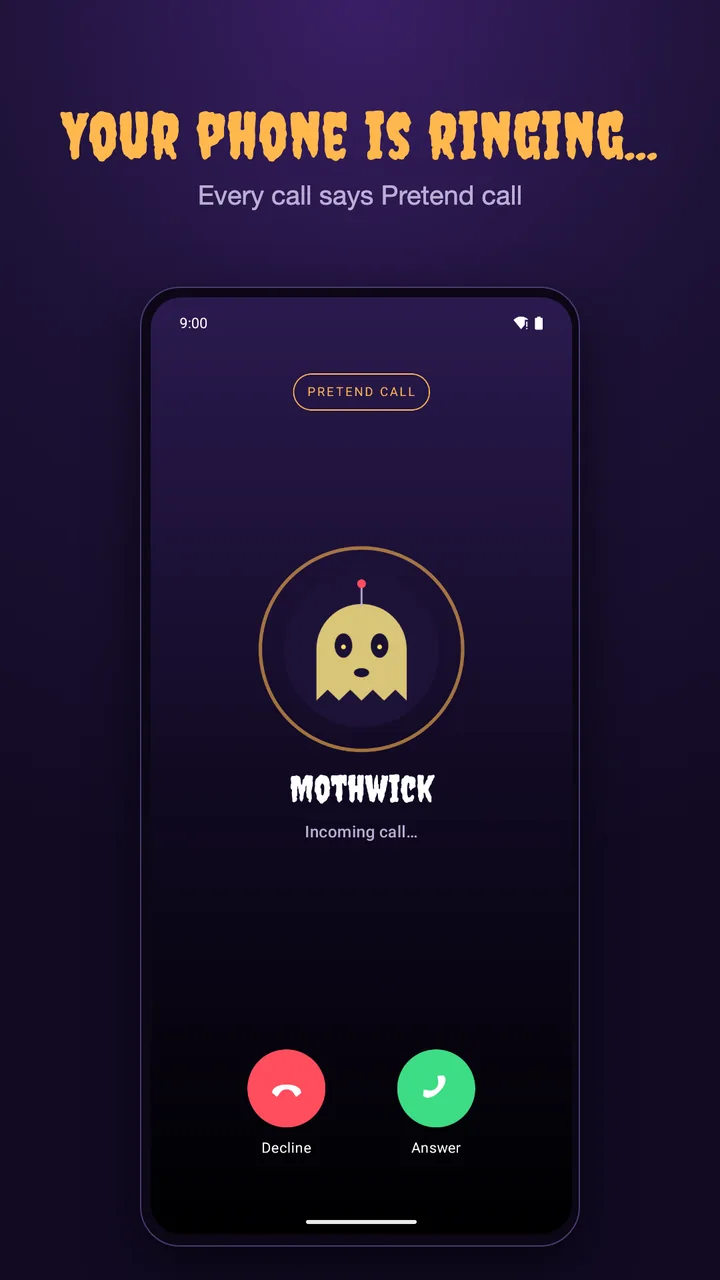
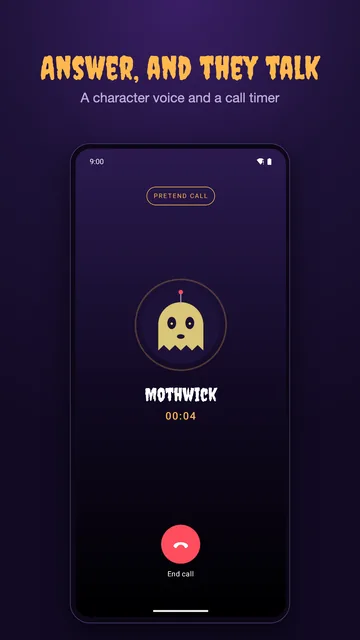
Spooky Call makes an Android phone ring with a pretend call from one of 12 original cartoon characters, such as a shy moth-ghost or a pirate whose ship is made of spiderwebs. Your child answers, and the character talks. Nothing is dialled, every call screen says “Pretend call”, and the app has no internet permission.

For Android phones running Android 8.0 or later. No ads, no accounts and no in-app purchases.
Every call is pretend
Spooky Call cannot make or receive real phone calls. It has no phone, contacts or call-log permission, so nothing is dialled and no one is contacted. Every call screen says “Pretend call”, pretend calls stay in the app’s own history instead of your phone’s call log, and a real incoming call ends the pretend one at once.
How a call ends
- Your child taps Decline or End call.
- The character finishes talking, in under half a minute.
- Nobody answers for 30 seconds, and it shows as missed.
- Someone presses Home, the screen locks, or a real call or another app takes the sound.
Every ending stops sound, vibration, flashlight, jump-scares and the camera at once.
Twelve original callers
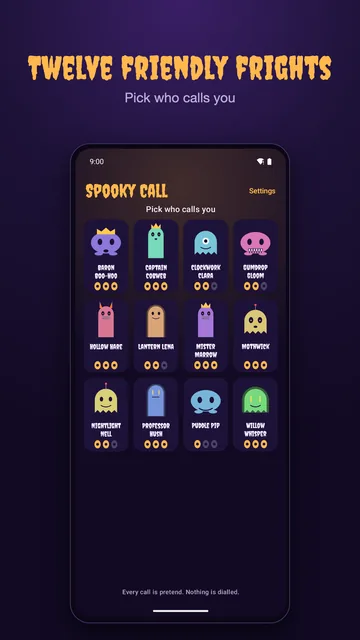
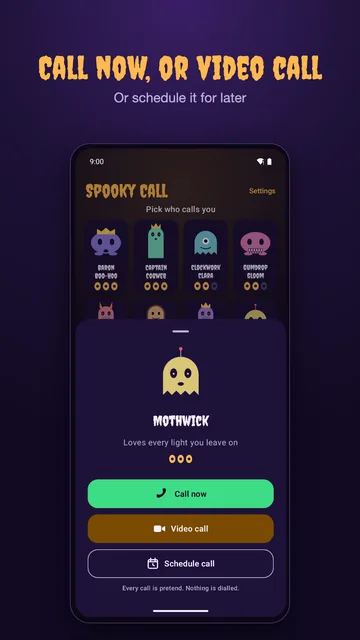
Each character has their own look, synthesised voice, ringtone and scripts, all made for this app. Ten can make video calls; Puddle Pip and Nightlight Nell call by voice only.
- Mothwick
- Lantern Lena
- Gumdrop Gloom
- Professor Hush
- Clockwork Clara
- Mister Marrow
- Puddle Pip
- Willow Whisper
- Captain Cobweb
- Nightlight Nell
- Hollow Hare
- Baron Boo-Hoo
You choose how scary
Gentle is the default: friendly voices, a buzz, no jump-scares and no flashlight flicker. Spooky adds one short jump-scare, a full-screen picture with a sound. Scary adds a second one for seven of the characters; the rest keep their Spooky or Gentle call. Changing the level needs a grown-up to solve a sum first.
-
Gentle
Default
Friendly voices and one buzz. No jump-scares and no flashlight flicker, for all 12 characters.
-
Spooky
Grown-up check
One jump-scare of 1.5 seconds, and one flashlight flicker if that switch is on. Puddle Pip stays Gentle.
-
Scary
Grown-up check
Two jump-scares of 1.5 seconds each for seven characters. The other five play the same call as at Spooky or Gentle.
More detail, including who has which level, on How it works.
Set up by a grown-up
Flashlight flicker, shake-to-scare and the camera preview all start off. The scare level and the camera preview sit behind a grown-up check, a multiplication sum. When you turn the camera preview on, it shows your child’s own face in a corner of a video call; it is never recorded, saved or sent.
Calls for later
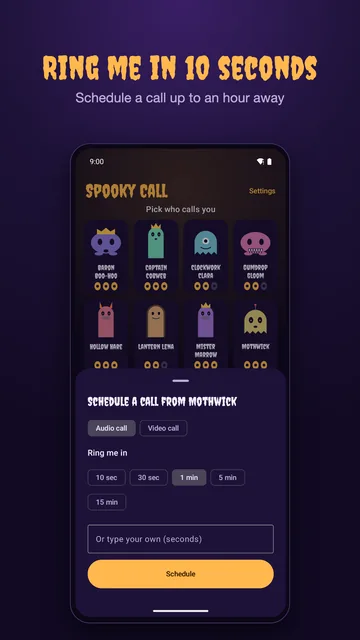
Pick “Ring me in” 10 seconds up to 15 minutes, or type any delay from 5 seconds to 60 minutes. Up to three calls can wait.
If the app is closed when one is due, it rings as a call-style notification that uses your phone’s own ringtone and says “Pretend call”. How scheduled calls work.
Screens from the app
Privacy in one paragraph
No ads, accounts, purchases, analytics or internet permission, so the app cannot send anything about your child anywhere. Settings, waiting scheduled calls and the last 50 calls stay in the app’s private storage until you clear them, though on some phones setting up a new phone directly from the old one may copy them across. Read the Spooky Call privacy policy. This website uses cookieless PostHog analytics (details).
Set it up, then hand over the phone
Gentle is on from the first call. You decide when, or whether, it gets spookier.