
One photo a day, played back as a timelapse
Daylapse reminds you when a photo is due, files each one for years, and turns the series into a video on your phone.

Free. No ads, no in-app purchases, no subscription. For Android phones with Android 8.0 or later.
What Daylapse is
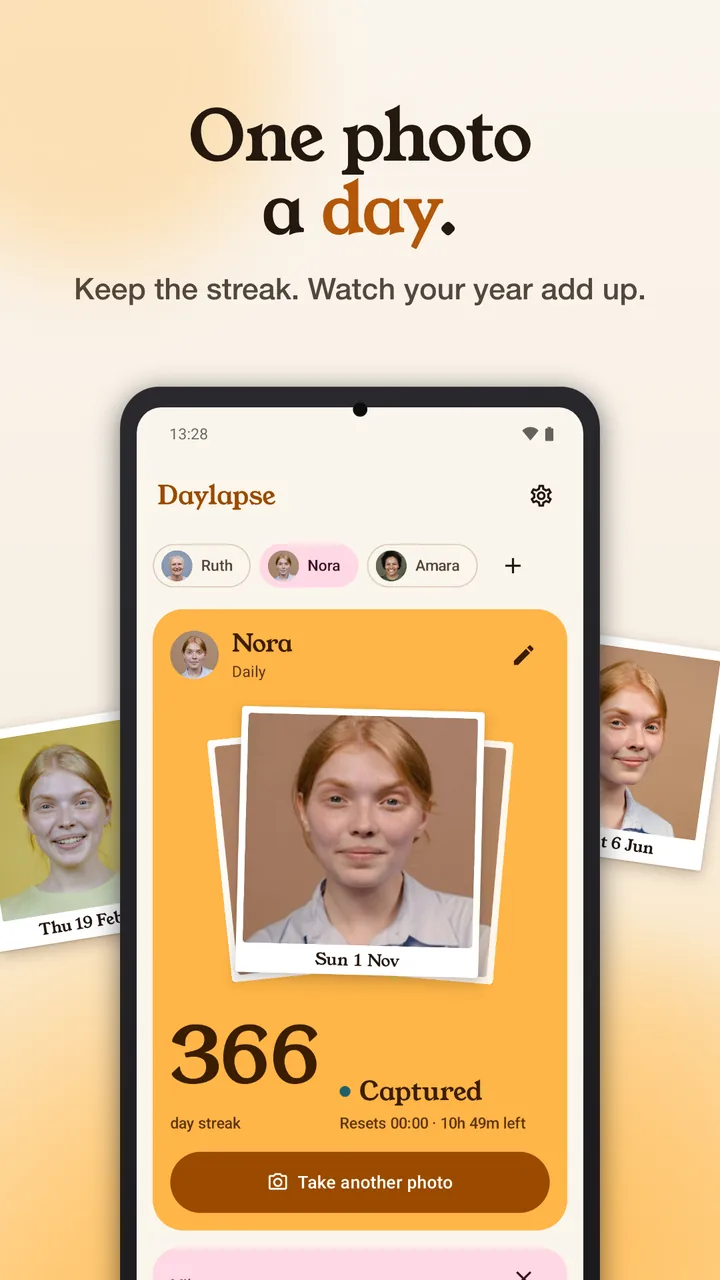
Daylapse is an Android app by Sonicon Software for keeping a photo-a-day series of yourself, someone close, a pet, a garden or a building. It reminds you when a photo is due, files each photo by day, every few hours or weekly, and plays the series back as a flipbook or an MP4 video made on your phone. It has no account and no internet permission.
A quick photo when it's due
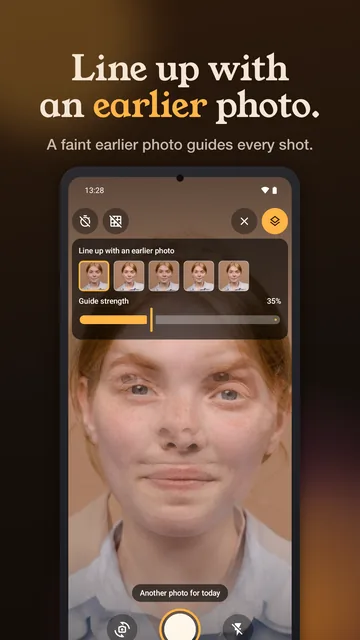
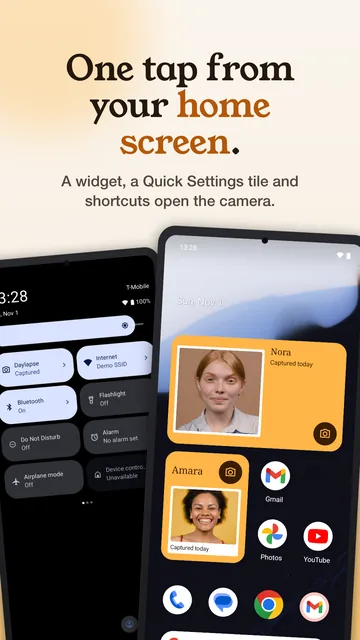
A reminder tells you when the day's photo is due; tap it and the camera opens. The home-screen widget, a Quick Settings tile and an app shortcut open it too. A faint copy of an earlier photo helps you line up the shot, and you can take as many photos in a period as you like.
Reminders
At the time you choose, for each profile, with "Remind me in 1 hour" while there's time left.
Widget, tile, shortcuts
Open the camera from the home screen, Quick Settings or the app icon.
Every camera
Front and back, plus ultra-wide or telephoto when your phone offers them. Flash off, on or auto.
Alignment guide
Pick one of your last five photos and set its strength; you line it up by eye.
Volume key, timer, grid
Press a volume key to take the photo, set a 3 or 10 second timer, or show a grid.
A series for each person
Keep a separate series for yourself, a partner, a child growing up, a pet, a garden or a building going up. Each profile has its own schedule (daily, every 2 to 12 hours, or weekly), reminder, default camera and avatar. Add photos you already took from your gallery; each goes into the day it was taken.
Look back
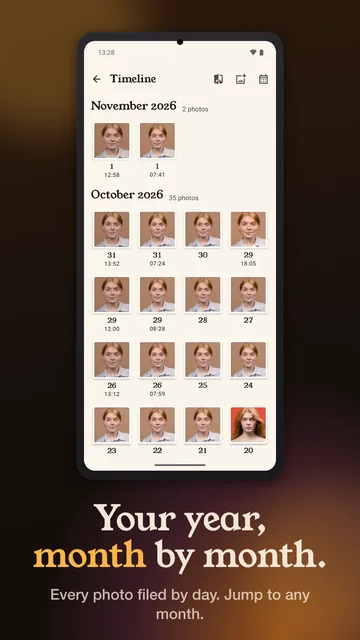
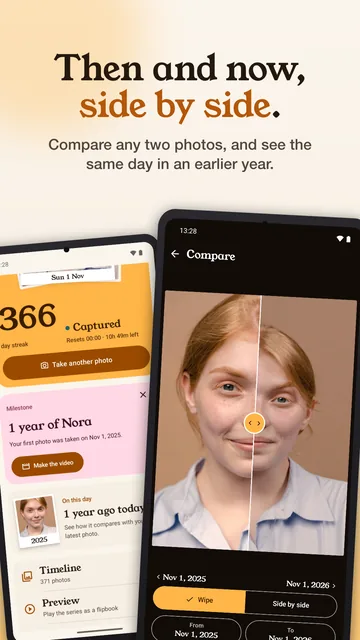
The timeline shows every photo as a print, month by month. Add a short note to any photo. On this day brings back the photo from the same date in an earlier year, milestones such as 100 photos or one year offer to make the video, and compare puts any two photos side by side or under a wipe slider.
Make the video
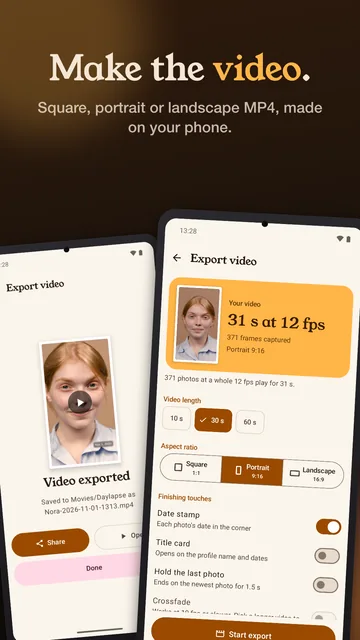
Choose 10, 30 or 60 seconds and square, portrait or landscape, and Daylapse shows the frame rate and real length before it starts. A year of daily photos plays as 12.2, 30.4 or 60.8 seconds. The MP4 is made on your phone, keeps rendering if you leave the screen, and a notification says when it's ready.
Add a date stamp, a 2-second title card, crossfades, note captions or a 1.5-second hold on the last photo. Each is off until you turn it on. How the length is worked out
Your photos stay on your phone
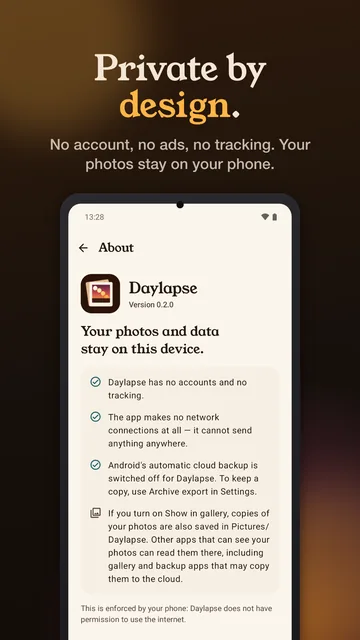
Daylapse has no account, no ads and no analytics, and it doesn't have Android's internet permission, so the app can't connect to the internet. Android's automatic backup is turned off for it. Your photos stay on your phone, in Daylapse's own storage, until you export a video or archive, share one, or turn on Show in gallery.
Show in gallery saves copies in your Pictures folder, where other apps can see them. On Android 10 and earlier, apps you have given storage access may be able to read Daylapse's photo folder; on Android 11 and later, other apps can't.
Read the Daylapse privacy policy
- Internet permission
- Not requested
- Account, ads, analytics
- None
- Android backup
- Turned off
Built to last for years
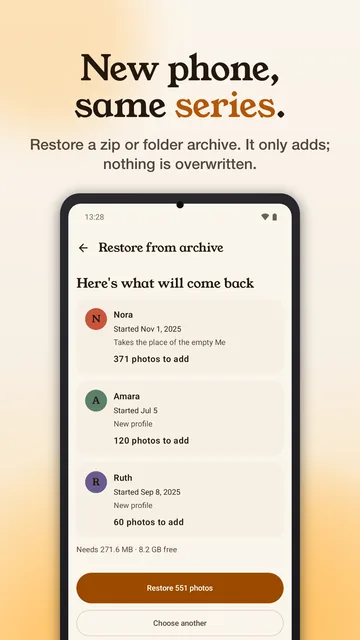
Each photo is stored upright and compressed to about half a megabyte, so one photo a day for a year stays under about 200 MB, and Settings shows the space each profile uses. Archive export saves every photo as a zip or a folder wherever you choose; that's your backup. Restore brings it back on a new phone. It only adds; nothing already there is overwritten.
Warm light and dark themes follow your phone's setting, text follows your font size, and animations respect the setting to reduce motion.
Screens from the app
Screens show a demo series made from licensed stock photos; names are fictional.
Start your series today